For editors by editors
FEATURED PROMO
ADVERTISEMENT
LOGIN REQUIRED
Create a free account to unlock this tool.
CREATE FREE ACCOUNTAlready a member? Sign in
Record your screen, webcam, or both with audio. Export as WebM or MP4 directly in your ...
OPEN TOOLInstantly capture full-page or viewport screenshots of any website or article URL. Choo...
OPEN TOOLDesign professional storyboards with a multi-frame canvas editor. Draw scenes using pen...
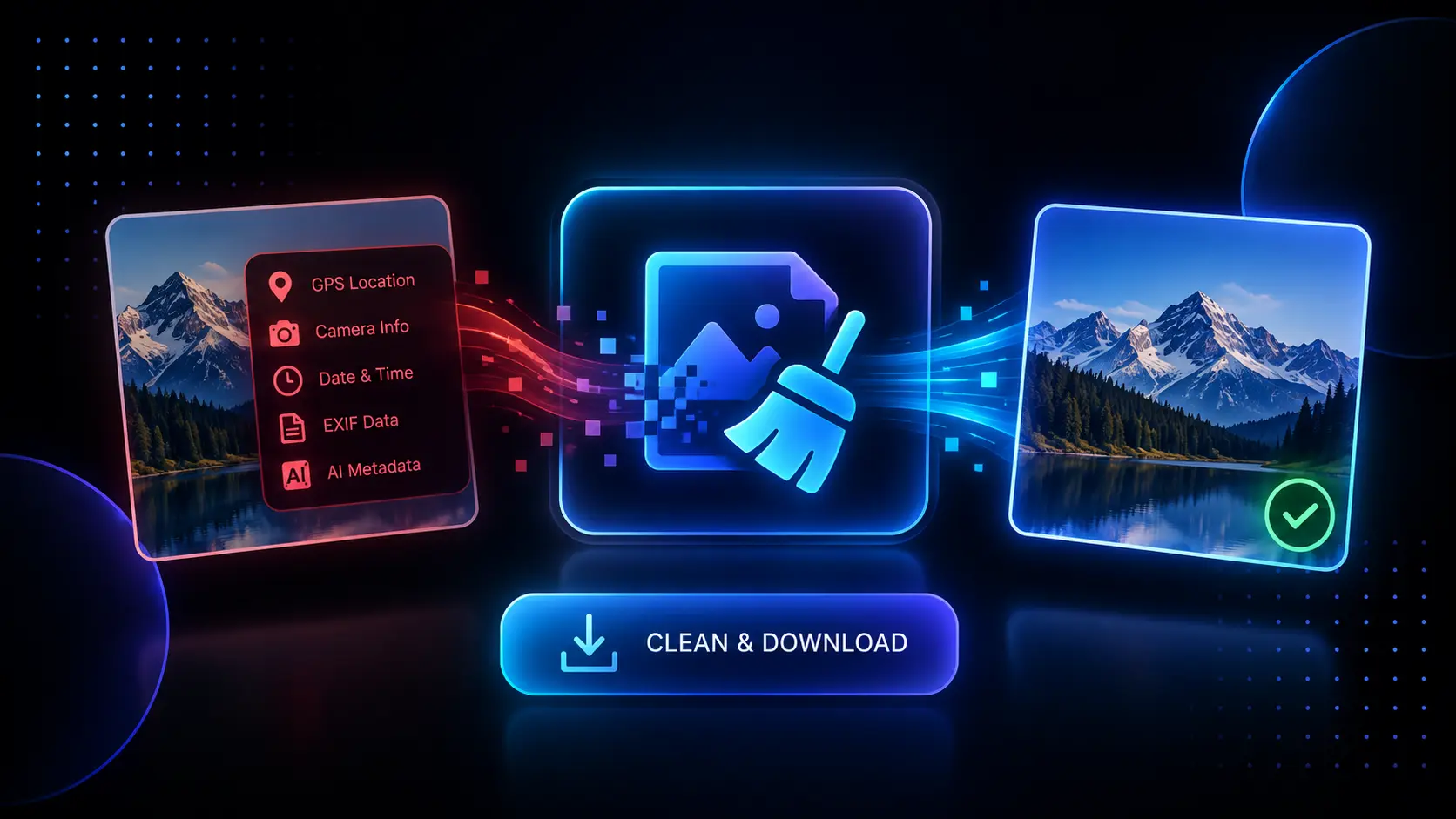
OPEN TOOLInstantly remove hidden EXIF data (GPS, camera info, dates) from your images securely i...
OPEN TOOLThe QR Code Generator allows you to create high-resolution, custom-colored QR codes in seconds. Whether you need a simple black-and-white code for a business card or a branded, high-error-correction code for a massive billboard, this tool processes everything instantly and securely in your browser.
No! The QR codes generated by this tool are "Static." This means the data (like your URL) is hard-coded directly into the pattern itself. As long as the link you entered remains active, the QR code will work forever.
Error correction adds backup data into the code. A "High" setting means that even if 30% of the QR code gets ripped, covered in dirt, or covered by a custom logo in Photoshop, a phone camera can still successfully read the destination URL.
How to Use This Tool:
1. Under "QR CONTENT," type or paste the exact text, website URL, or data you want the QR code to point to. The code will update in real-time as you type.
2. Under "QR COLORS," use the color pickers to customize the Foreground (the scannable code) and Background (the empty space).
3. Under "SETTINGS," select your desired Resolution (from 400px up to a massive 1200px for print) and set the Error Correction level (High is recommended if you plan on adding a logo to the middle later).
4. Review the live preview, and when you are happy with the design, click "Download QR (PNG)" to instantly save the high-quality file to your device.
How This Benefits You:
Many free QR code generators online either force you to sign up for an account, add their own watermark to your code, or give you dynamic links that eventually expire and break. This tool generates 100% free, static, permanent QR codes directly in your browser. They will never expire, and you have complete control over the colors and sizing.
Who Should Use This:
• Local Business Owners: Generate high-resolution, branded QR codes to print on physical menus, business cards, or storefront windows.
• Event Organizers: Create quick, reliable QR codes pointing to RSVP pages, Google Maps directions, or digital event tickets.
• Marketers: Quickly generate codes for flyers, posters, and direct mail campaigns to seamlessly bridge physical advertising with digital landing pages.
• Content Creators: Embed a customized QR code at the end of a YouTube video or stream layout to funnel viewers to your merchandise store or Patreon.
Tool Limitations:
Because this tool generates "static" QR codes for maximum privacy and permanence, you cannot change the destination URL after the code is generated and printed. If you need to change where the code points in the future, you will need to use a link shortener (like Bitly) as your original destination URL, so you can change the routing on their end without having to reprint your physical QR codes.