For editors by editors
FEATURED PROMO
ADVERTISEMENT
LOGIN REQUIRED
Create a free account to unlock this tool.
CREATE FREE ACCOUNTAlready a member? Sign in
Upload, crop and resize images with drag handles. Download as PNG, JPG or WebP in your ...
OPEN TOOLDesign glassmorphism UI elements with live preview, copy CSS code and download as PNG f...
OPEN TOOLUpload an image to identify the font used in the text. 100% free and secure client-side...
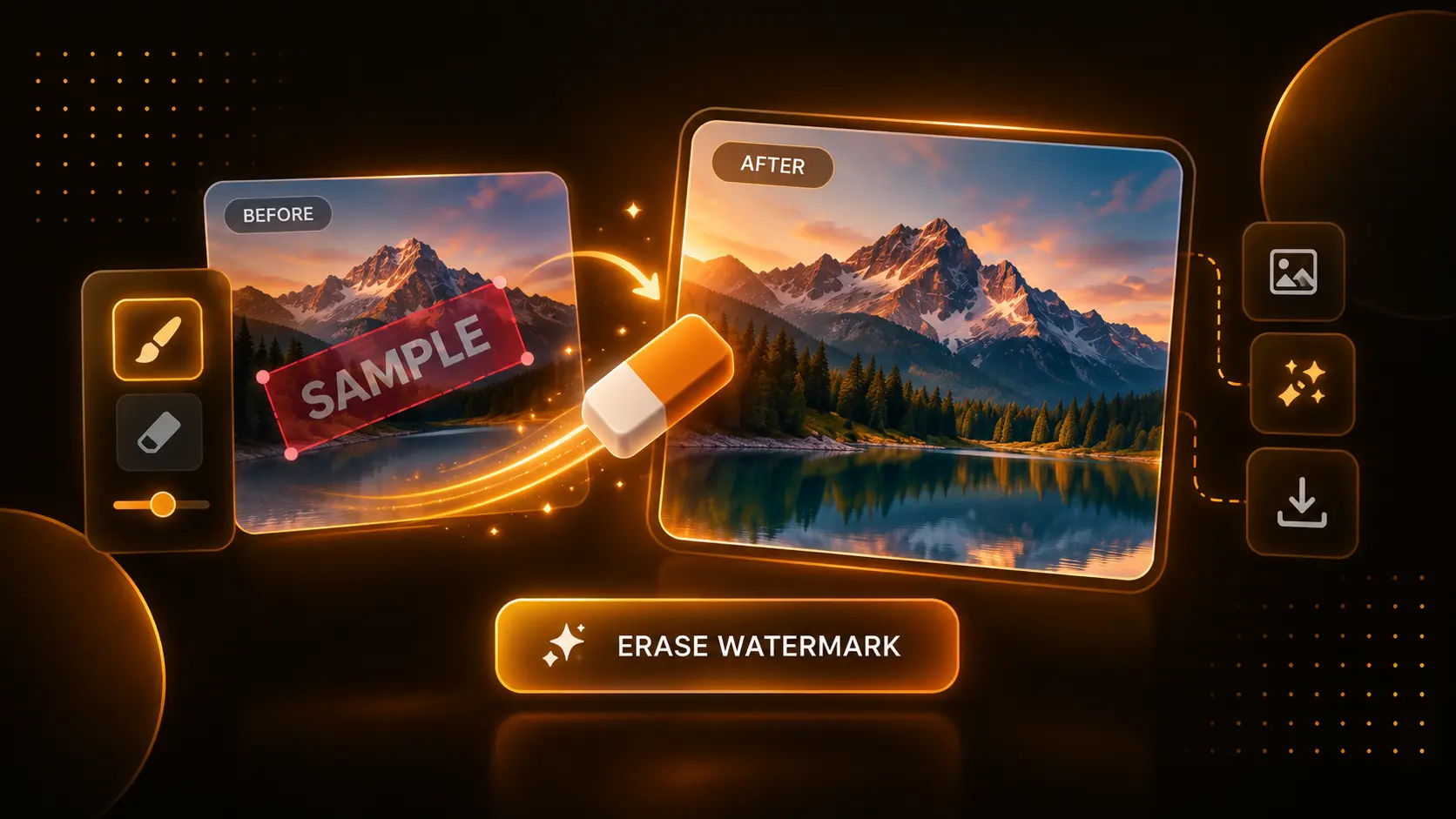
OPEN TOOLMagically remove watermarks, logos, and unwanted objects from images instantly in your ...
OPEN TOOLThe Mockup Frame Generator instantly turns raw screenshots into beautiful, professional presentations. Whether you need to wrap a website screenshot in a Safari browser frame, or place a mobile app design inside a sleek iPhone bezel, this tool generates high-resolution, drop-shadowed mockups in seconds—no Photoshop required.
If your mockup isn't looking quite right, here is how to fix it:
Traditionally, creating a device mockup requires downloading a 500MB Photoshop template, opening it, finding the correct "Smart Object" layer, pasting your image, saving, hiding the background layer, and exporting. It's incredibly slow. Our tool handles everything in the browser instantly. It generates pure CSS drop-shadows and mathematically perfect device bezels on the fly, allowing you to experiment with padding, shadows, and colors in real-time.
The tool exports a high-resolution PNG file. This ensures that the image retains perfect quality and supports the alpha channel required for transparent backgrounds and soft drop-shadows.
Yes! The tool automatically scales the export node to 2x the standard resolution, ensuring your device frames are sharp and crisp on high-DPI (Retina) displays, presentations, and printed materials.
How to Use This Tool:
1. Start by uploading a screenshot or image of your project. High-resolution images work best for a crisp final render.
2. Select your "Frame Type". You can wrap your image in a sleek macOS desktop window, a dark-mode browser tab, an iPhone notch frame, an iPad bezel, or a classic laptop frame!
3. Pick a Background Color to match your brand, or check the "Transparent Background" box if you want to overlay this mockup onto a separate video or presentation later.
4. Tweak the aesthetics. Adjust the "Padding" slider to give your mockup breathing room, soften the edges with the "Corner Radius" slider, and dial in the perfect 3D depth using the "Shadow Intensity" control.
5. Click "DOWNLOAD MOCKUP" to generate a stunning, high-resolution PNG file instantly.
How This Benefits You:
Presenting a flat screenshot of your website, app, or digital product is boring and unprofessional. By wrapping your screenshots in realistic 3D device frames, browsers, and sleek drop-shadows, you instantly elevate the perceived value of your work. Previously, achieving this required downloading massive Photoshop templates or paying for expensive SaaS tools. This tool generates premium mockups instantly in your browser for free.
Who Should Use This:
• Web Developers & Designers: Showcase your portfolio pieces inside gorgeous laptop or browser frames for a professional presentation.
• App Creators: Wrap your UI screenshots inside beautiful iPhone or iPad frames for your app store listings or social media marketing.
• Content Creators: Generate beautiful, high-contrast thumbnails and visual assets to use in your YouTube videos or X (Twitter) threads.
Tool Limitations:
This tool exports a high-resolution PNG using your browser's internal canvas renderer. If you apply a very heavy shadow or an extremely large padding size on an older device, the "GENERATING..." process might take an extra second or two. Be patient; the final high-quality PNG is well worth the wait!