For editors by editors
FEATURED PROMO
ADVERTISEMENT
LOGIN REQUIRED
Create a free account to unlock this tool.
CREATE FREE ACCOUNTAlready a member? Sign in
Design glassmorphism UI elements with live preview, copy CSS code and download as PNG f...
OPEN TOOLWrap your screenshots in beautiful device mockups — macOS, Windows, iPhone, and Browser...
OPEN TOOLUpload an image to identify the font used in the text. 100% free and secure client-side...
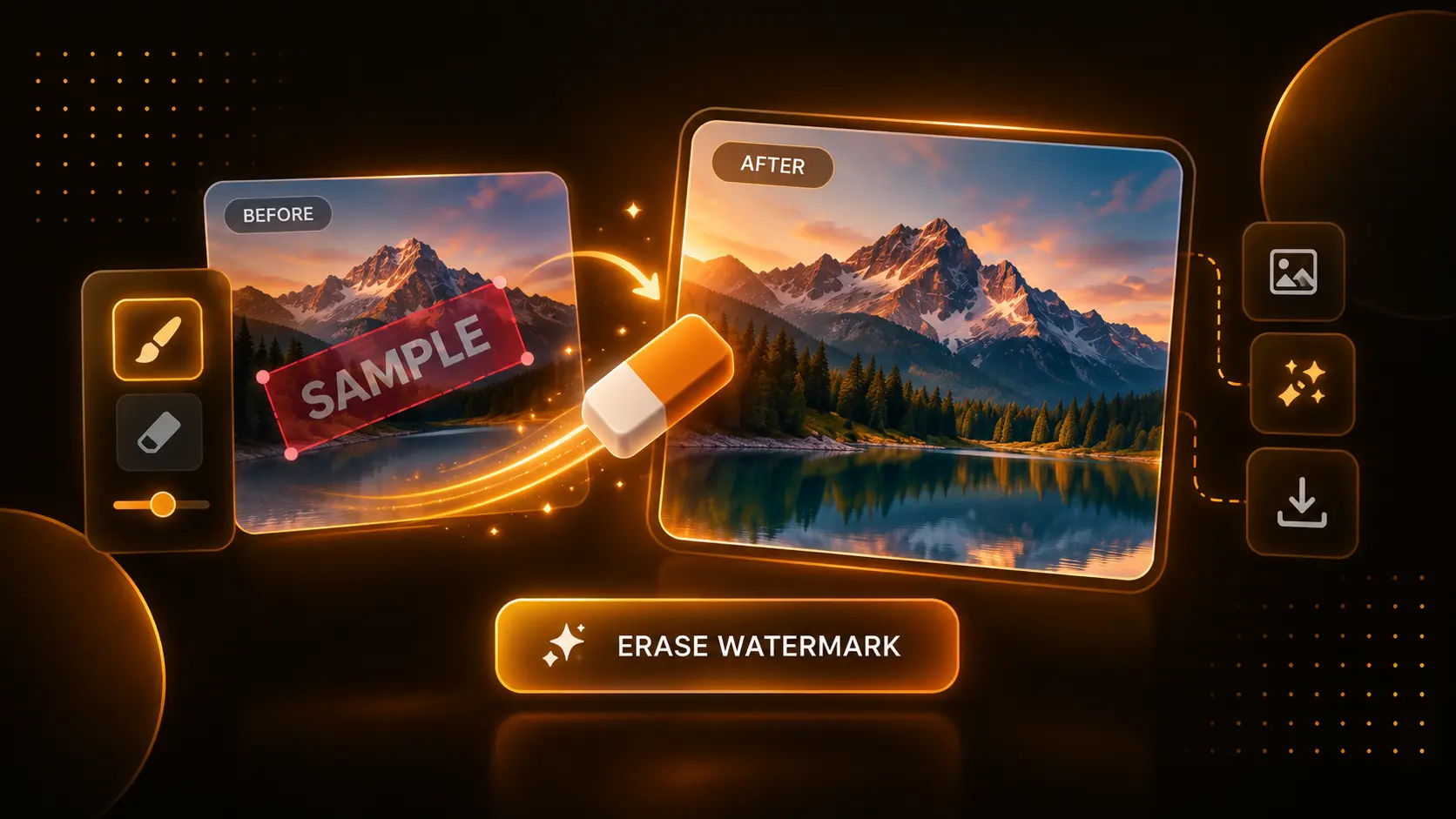
OPEN TOOLMagically remove watermarks, logos, and unwanted objects from images instantly in your ...
OPEN TOOLThe Image Cropper Tool is a powerful, browser-based image editor that lets you resize, frame, rotate, and round the corners of your photos. Whether you need a perfectly square avatar or an Instagram-ready portrait crop, this tool processes your images locally in maximum quality without relying on external servers.
No! The Image Cropper applies your crops and exports the final file in high-quality (100% scale) based on the original pixel density of the uploaded image. We do not heavily compress the file like social media sites do.
Never. The Cropper tool utilizes modern HTML5 Canvas technology to process the image edits entirely inside your own web browser. Your private files never leave your device.
How to Use This Tool:
1. Click the "UPLOAD IMAGE" zone or drag and drop any photograph or graphic into the workspace.
2. Under "CROP SETTINGS", select your desired Aspect Ratio (like 1:1 Square, 16:9 Landscape, or 4:5 for Instagram). If you need a custom shape, leave it on "Freeform".
3. Use the "Corner Radius" slider to visually round the edges of your crop. The live preview box will instantly update to show you exactly how the final image will look.
4. Under "TRANSFORM", use the buttons to rotate your image 90 degrees or flip it horizontally/vertically to fix any mirroring issues.
5. Choose your final export format (PNG, WebP, or JPG) and click "Download Image" to save the perfectly cropped file to your device.
How This Benefits You:
Cropping an image to specific social media dimensions, adding rounded corners, and converting it to modern formats like WebP usually requires launching heavy software like Photoshop. This tool lets you do all of that locally in your browser in seconds, without any complicated menus or subscription fees.
Who Should Use This:
• Social Media Managers: Quickly crop and format daily posts to perfectly fit Instagram (4:5), TikTok (9:16), or Twitter (16:9) without losing visual quality.
• Web Developers: Bulk crop client photos and convert them to the lightweight WebP format to drastically improve website loading speeds.
• App Designers: Use the Corner Radius slider to instantly generate rounded app icons or profile picture avatars with transparent backgrounds.
Tool Limitations:
Because all image processing happens locally within your web browser, attempting to crop exceptionally massive files (like 50MB+ RAW photographs straight from a DSLR camera) may cause older computers or mobile devices with low RAM to freeze. For the smoothest experience, use standard web-optimized images (under 10MB).